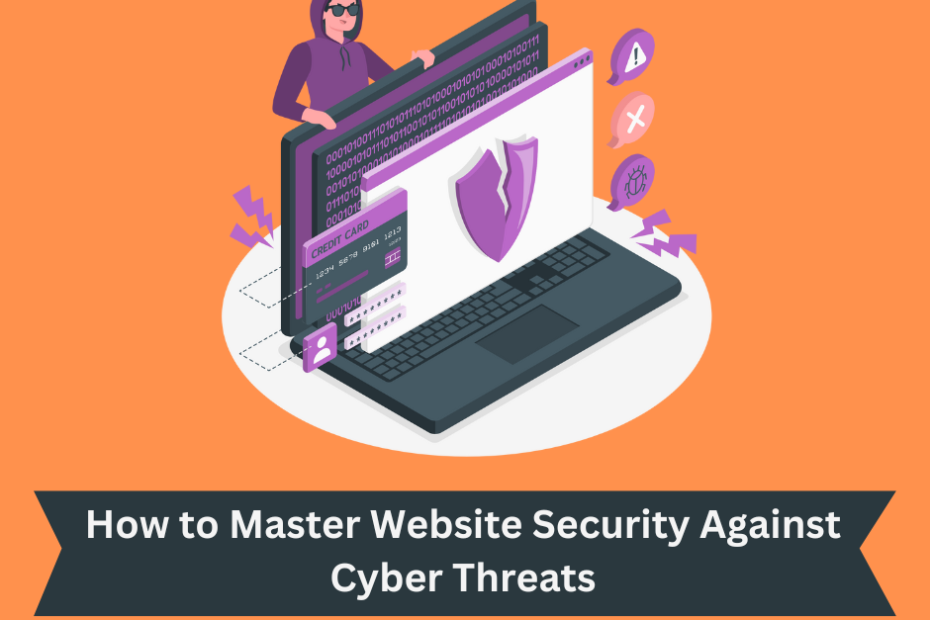
In our fast-evolving digital world, your website is more than just a virtual storefront; it’s often the first interaction potential customers have with your brand. However, with great opportunities come great risks. Cyber threats lurk around every corner of the internet, ready to pounce on the unprepared. That’s why we’re here to guide you through the essentials of website security.
Table of Contents
Understanding the Landscape
Before we dive into the nitty-gritty of safeguarding your website, let’s take a moment to understand the digital battleground you’re stepping into.
The Growing Threat
The internet is teeming with cyber threats. From hackers and data breaches to malware and DDoS attacks, the virtual realm is a battlefield. In 2023, the average cost of a data breach is a staggering $4.24 million. Clearly, the stakes are high.
The Consequences
A breach not only harms your reputation but can also lead to financial loss, legal complications, and data leaks. According to IBM’s Cost of a Data Breach Report, it takes an average of 287 days to identify and contain a data breach, costing you valuable time and resources.
The Pillars of Website Security
Now, let’s explore the fundamental pillars of website security that will fortify your online presence.
1. Data Encryption
Encryption is your first line of defense. It scrambles sensitive data so that even if a hacker intercepts it, they won’t be able to decipher it. Implement Secure Sockets Layer (SSL) certificates to ensure secure data transmission.
2. Strong Passwords and Authentication
Weak passwords are an open invitation to hackers. Enforce strong password policies and implement multi-factor authentication (MFA) to add an extra layer of security.
3. Regular Software Updates
Outdated software is riddled with vulnerabilities. Keep your Content Management System (CMS), plugins, and themes up to date to patch security holes.
4. Web Application Firewall (WAF)
A WAF acts as a shield between your website and malicious traffic, filtering out threats before they can reach your site. Cloud-based WAF services are readily available.
5. Backup Your Data
Regularly back up your website data to a secure, offsite location. In the event of a breach, you can restore your website to a clean state.
6. Security Plugins
Depending on your CMS, consider using security plugins. WordPress, for example, offers several reputable security plugins that enhance protection.
The Role of Web Hosting
Your choice of web hosting plays a significant role in website security. Opt for a reputable hosting provider that offers:
– DDoS Protection: Distributed Denial of Service attacks can cripple your website. A hosting provider with DDoS protection can mitigate these attacks.
– Firewall: An integrated firewall adds an extra layer of security, screening incoming traffic for malicious intent.
– Regular Backups: Hosting services that offer automated backup solutions ensure that your data is safe and can be restored swiftly in case of an attack.

Emerging Threats and How to Counter Them
Cyber threats are continually evolving. It’s essential to stay updated on the latest trends and adapt your security measures accordingly.
Phishing Attacks
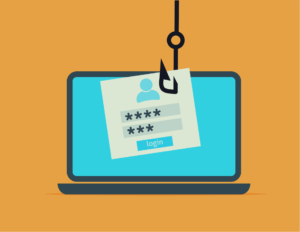
Phishing attacks trick users into revealing sensitive information. Educate your team and users about recognizing phishing attempts and provide guidelines for safe online behavior.
Zero-Day Vulnerabilities
Zero-day vulnerabilities are security flaws that are exploited before developers can patch them. Stay vigilant by subscribing to security news and promptly applying updates.
Ransomware
Ransomware encrypts your data and demands a ransom for its release. Regular backups, robust security measures, and employee training are your best defenses.
SQL Injection and Cross-Site Scripting (XSS)
These attacks manipulate your website’s database or inject malicious scripts. Sanitize user inputs, use prepared statements and employ security headers to mitigate these risks.

Additional Tips and Tools
1. Content Security Policy (CSP)
Implement CSP headers to control which resources are allowed to load, reducing the risk of malicious code execution.
2. Security Headers
Use security headers like X-Content-Type-Options, X-Frame-Options, and X-XSS-Protection to bolster your website’s defense against various attacks.
3. User and Role Management
Implement strict user and role management to restrict access to sensitive parts of your website to authorized personnel only.
4. Incident Response Plan
Prepare an incident response plan outlining the steps to take in case of a security breach. Swift and coordinated action can minimize damage.
5. File and Directory Permissions
Explain the importance of configuring file and directory permissions correctly. Provide guidance on setting the appropriate permissions for various types of files, ensuring that sensitive data remains protected.
6. Two-Factor Authentication (2FA)
Detail the benefits of implementing 2FA and offer instructions on enabling it for key accounts and systems. Highlight how this additional layer of security can thwart unauthorized access.
7. Intrusion Detection and Prevention Systems (IDS/IPS)
Discuss the role of IDS and IPS in identifying and mitigating potential threats. Explain how these systems can actively monitor your network for suspicious activities and take action to block or alert against intrusions.
8. Incident Response Simulation
Walk readers through the process of conducting incident response drills. Explain how simulating security incidents can help teams practice their response strategies and improve overall preparedness.
9. Compliance and Regulations
Touch upon industry-specific compliance standards and regulations, such as GDPR, HIPAA, or PCI DSS, and how they relate to website security. Emphasize the importance of adhering to these standards to avoid legal complications.
10. Third-Party Services and Security
Discuss the risks associated with third-party services, plugins, and integrations. Provide tips on how to vet and monitor third-party providers for potential security vulnerabilities.
11. Security Monitoring and Analytics
Explain the significance of continuous security monitoring and analytics. Discuss the role of Security Information and Event Management (SIEM) systems in identifying and responding to security incidents.
12. Penetration Testing
Introduce the concept of penetration testing, also known as ethical hacking. Explain how organizations can benefit from conducting periodic penetration tests to identify vulnerabilities before malicious actors do.
13. Security Budgeting
Offer insights into budgeting for website security. Discuss the allocation of resources to various security measures and the cost-effectiveness of preventive measures compared to the potential costs of a security breach.
14. Regaining Trust After a Breach
In the unfortunate event of a security breach, provide a section on rebuilding trust with your users and customers. Outline steps to take, such as timely communication, transparency, and enhanced security measures.
15. AI and Machine Learning in Security
Explore the role of artificial intelligence (AI) and machine learning in enhancing website security. Discuss how AI can detect anomalies and potential threats in real time, improving proactive security measures.

16. Blockchain Technology for Security
Delve into how blockchain technology can be used to enhance the security of sensitive data and transactions on your website. Explain the benefits of decentralization and transparency in security.
17. Quantum Computing and Future Threats
Highlight the potential impact of quantum computing on website security. Discuss how quantum-resistant encryption and security measures are being developed to counter future threats.
Conclusion
In the ever-changing digital landscape, website security is essential, not optional. It safeguards your brand, user trust, and finances. By staying informed and using the right strategies, you can protect your digital castle from cyber threats. Remember, it’s an ongoing commitment. Implement the tips in this guide to build trust and ensure a safe online environment for your visitors. Website security is the foundation of trust in the digital world, so protect it with diligence. Thank you for joining us on this security journey. May your online presence thrive securely.